Quick Guide - Deleting a Product Category
This is a quick guide explaining Deleting a Product & Product Categories using the Inzant Sales Management Portal.
Firstly you'll need to be logged into the Inzant Sales Management Portal.
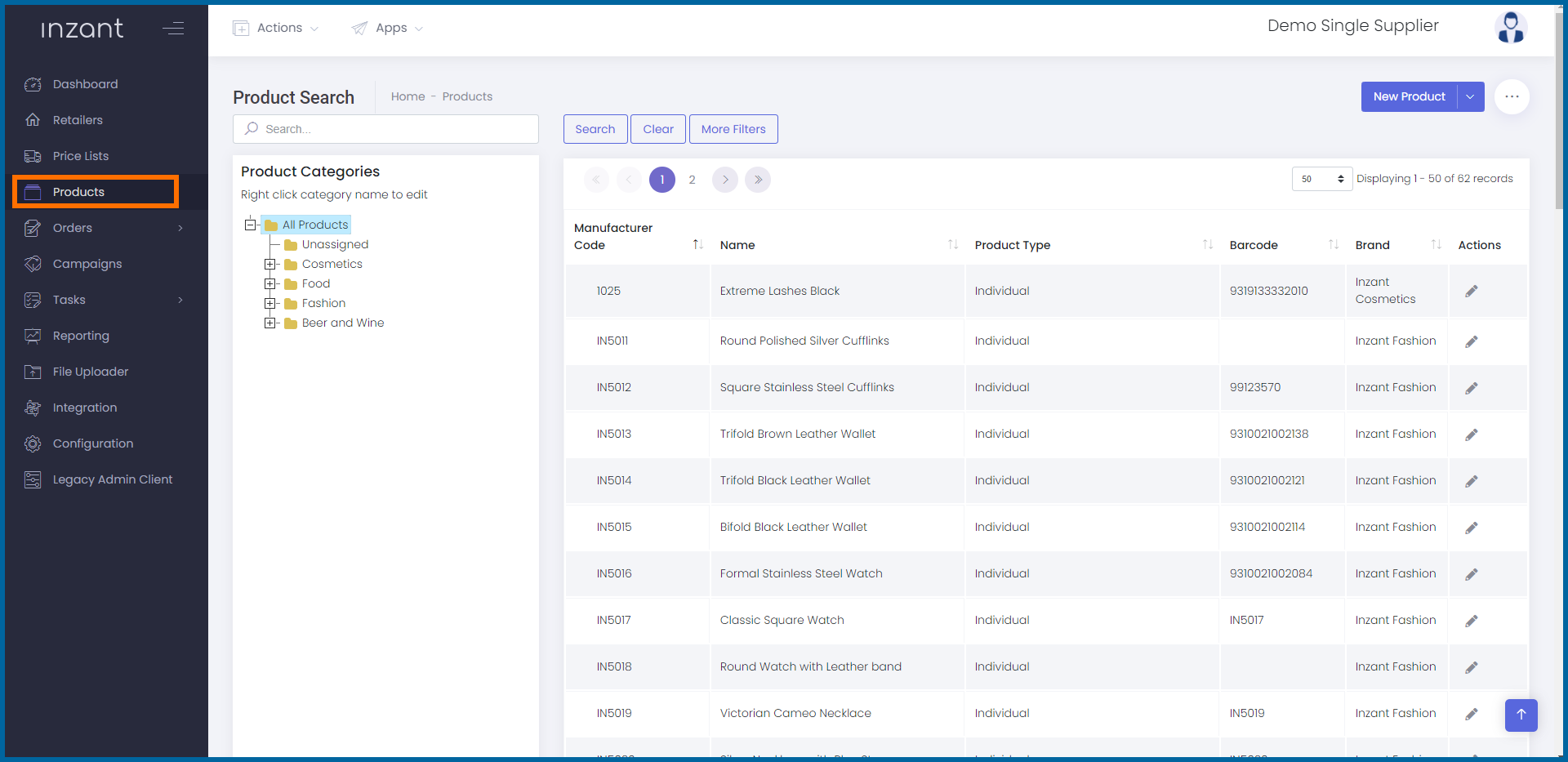
Once logged in proceed to open the product search screen
- Click on Products in the Side Bar Menu
This will open the Product Search screen
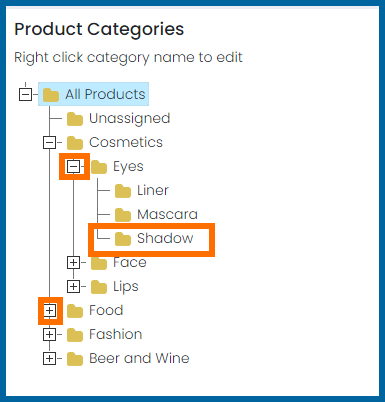
The Product Categories are displayed in the tree control on the left side of the screen.
To Delete a Category
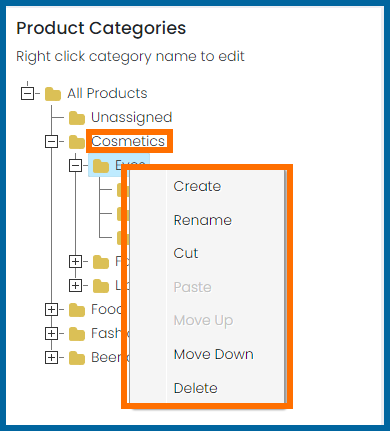
- Right click the category to be deleted
This will display a popover menu
- Click Delete
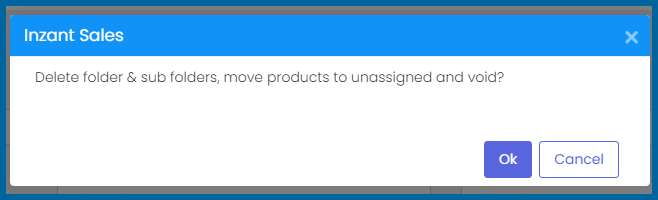
This will show a confirmation box showing what will occur if you proceed.
Note: Any products in the Category will be moved to Unassigned and set Inactive
- Click Ok to proceed
If you have any other issues please see our other guides or contact
support.